Step 1 |
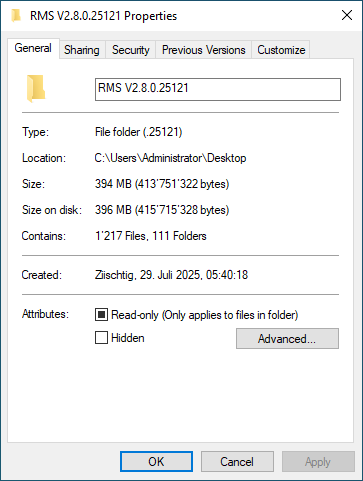
Important: Verify the file size to confirm that the download was complete and not corrupt: RMS V2.9.1.26100:
|
|---|---|
Step 2 |
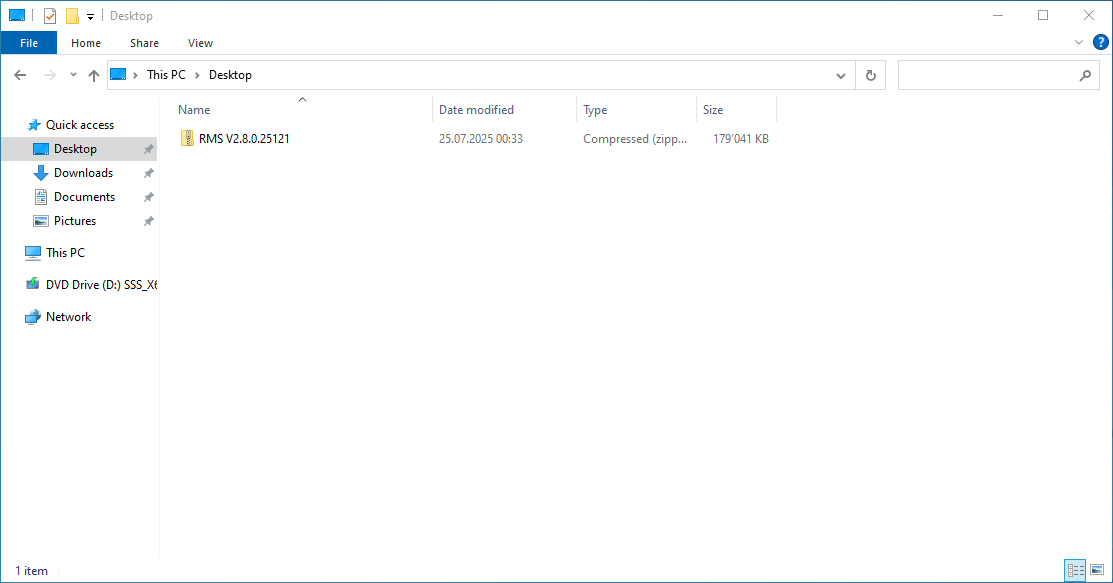
Save the downloaded .zip file onto your desktop.
|
Step 3 |
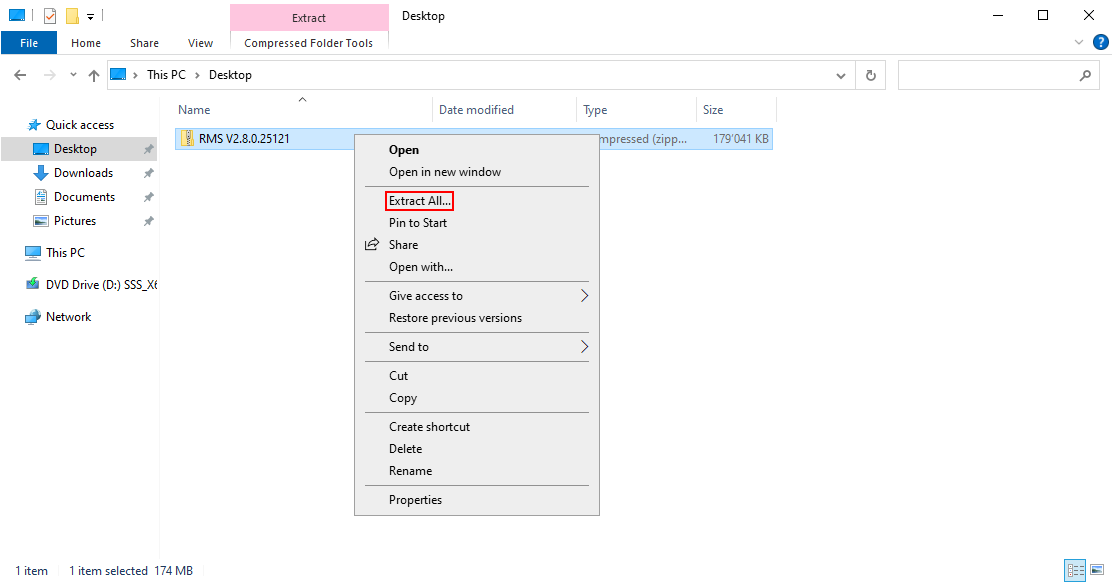
Extract the .zip file.
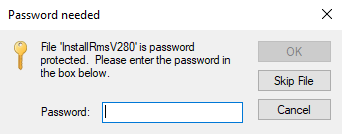
The RMS software file is protected. Enter Rotronic123 to start the extraction.
|
Step 4 |
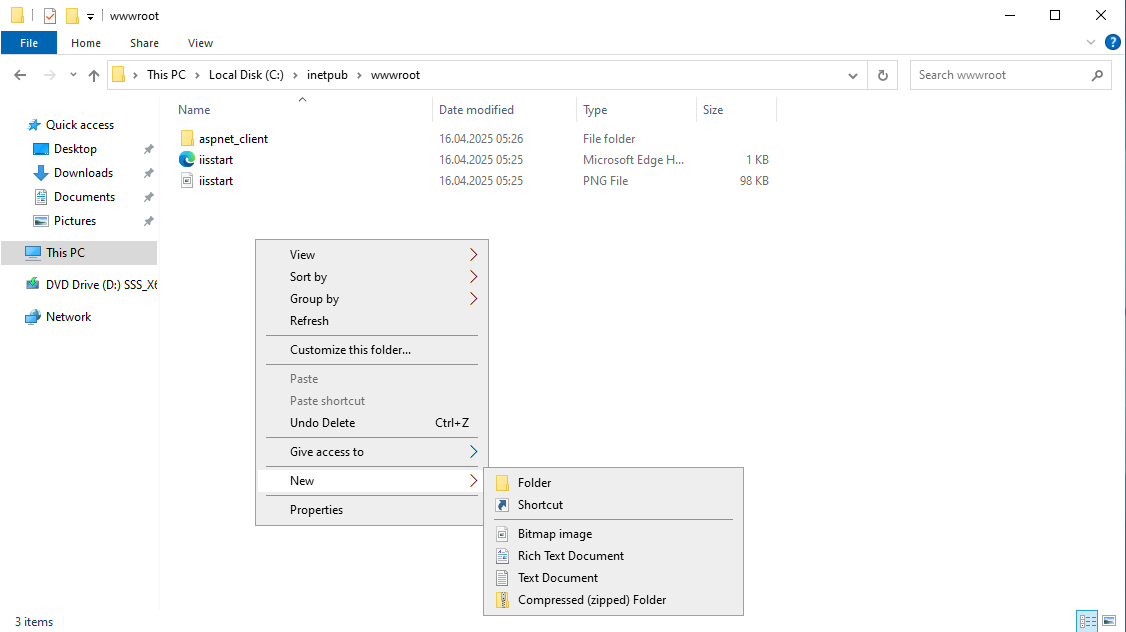
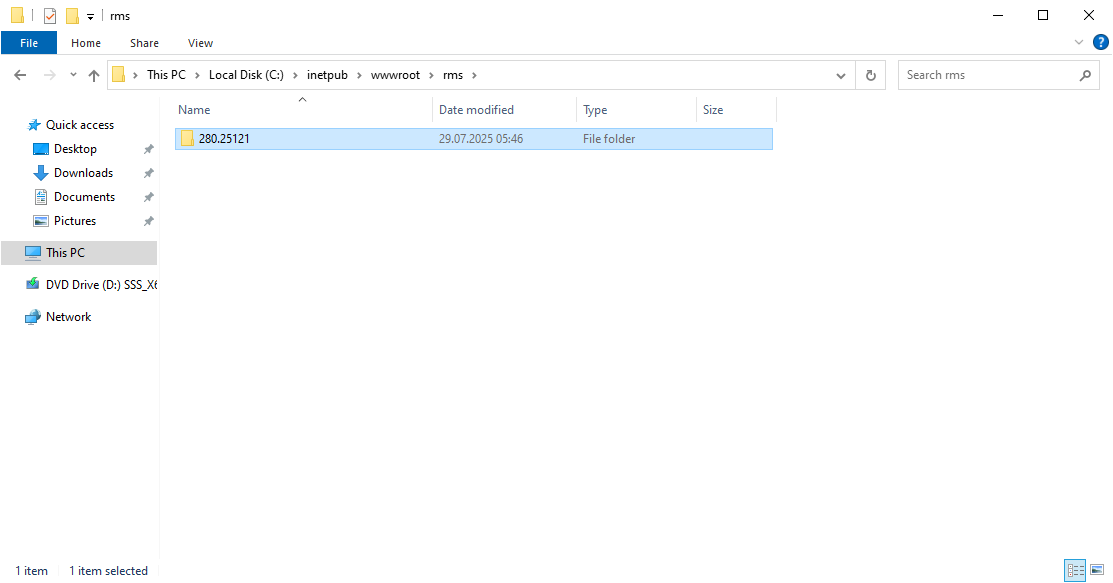
If not using C:, but another path, please see: Guidelines if not installing RMS on C:, otherwise please create a new folder "rms" under the following path C:\inetpub\wwwroot\ on the server:
Copy the "291.26100" file into C:\inetpub\wwwroot\rms\:
|
Step 5 |
Option 1: Creation of a New Database Using Mixed Authentication Mode
Option 2: Creation of a New Database Using Windows Authentication Mode |
Created: 16.07.2026