Step 1 |
Expand databases to find the rms database. Click on "Open". 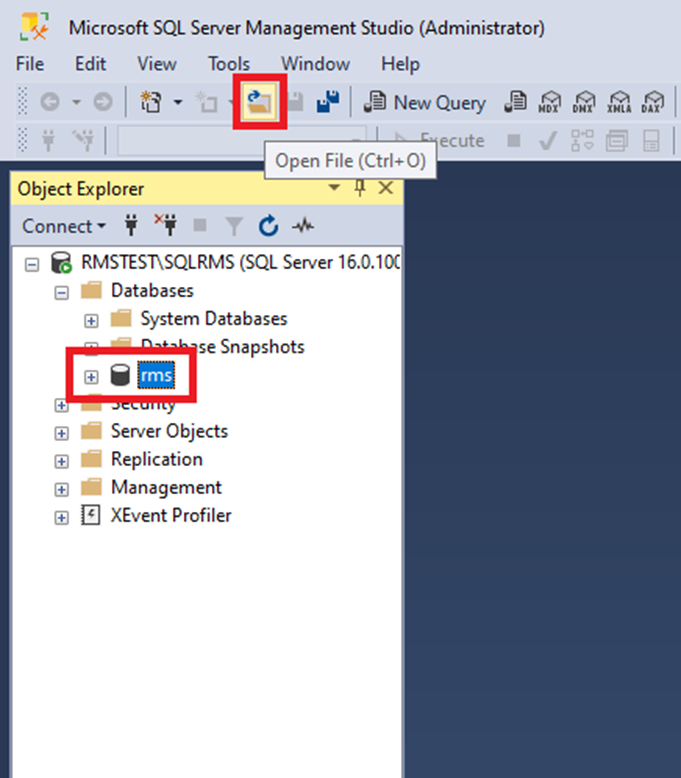 |
|---|---|
Step 2 |
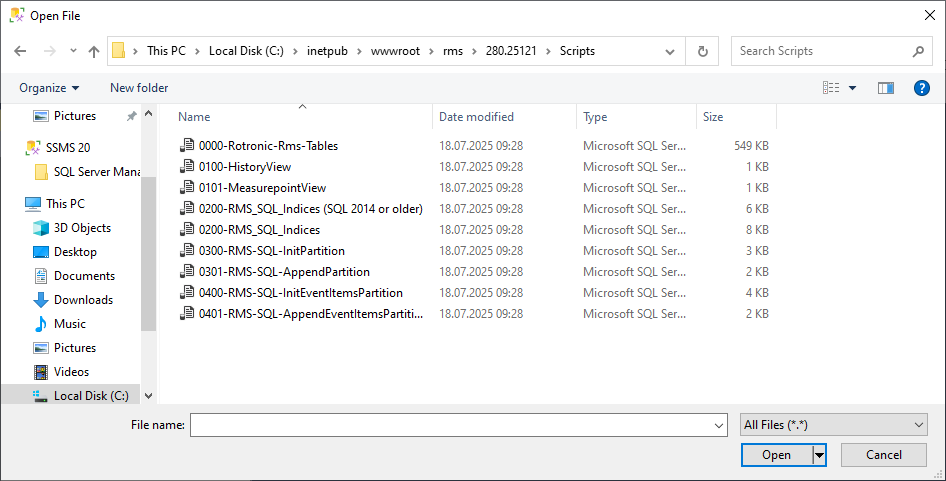
Open the extracted RMS software file. Open the file 0000-Rotronic-Rms-Tables.sql.
|
Step 3 |
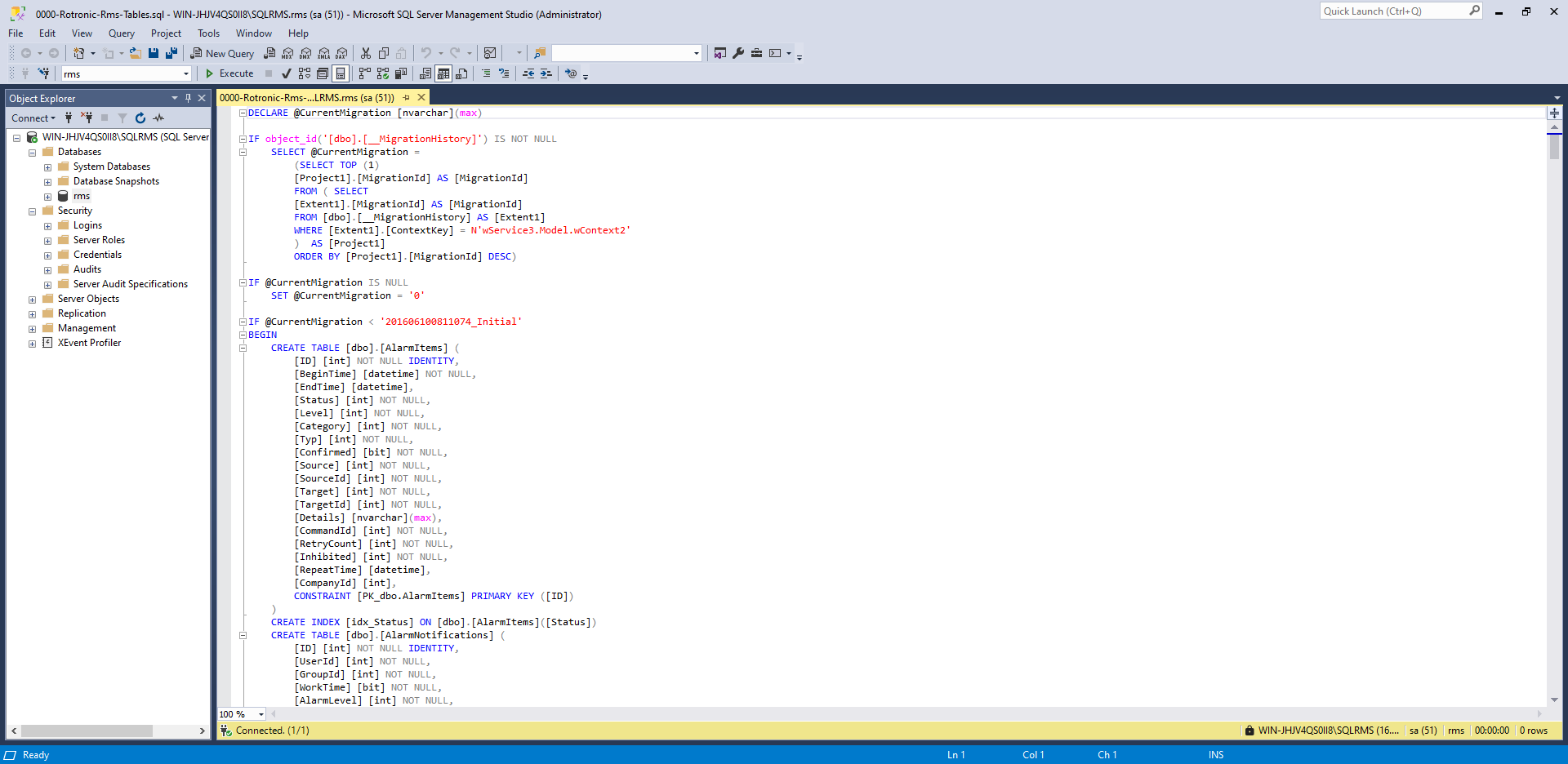
The following window will open.
|
Step 4 |
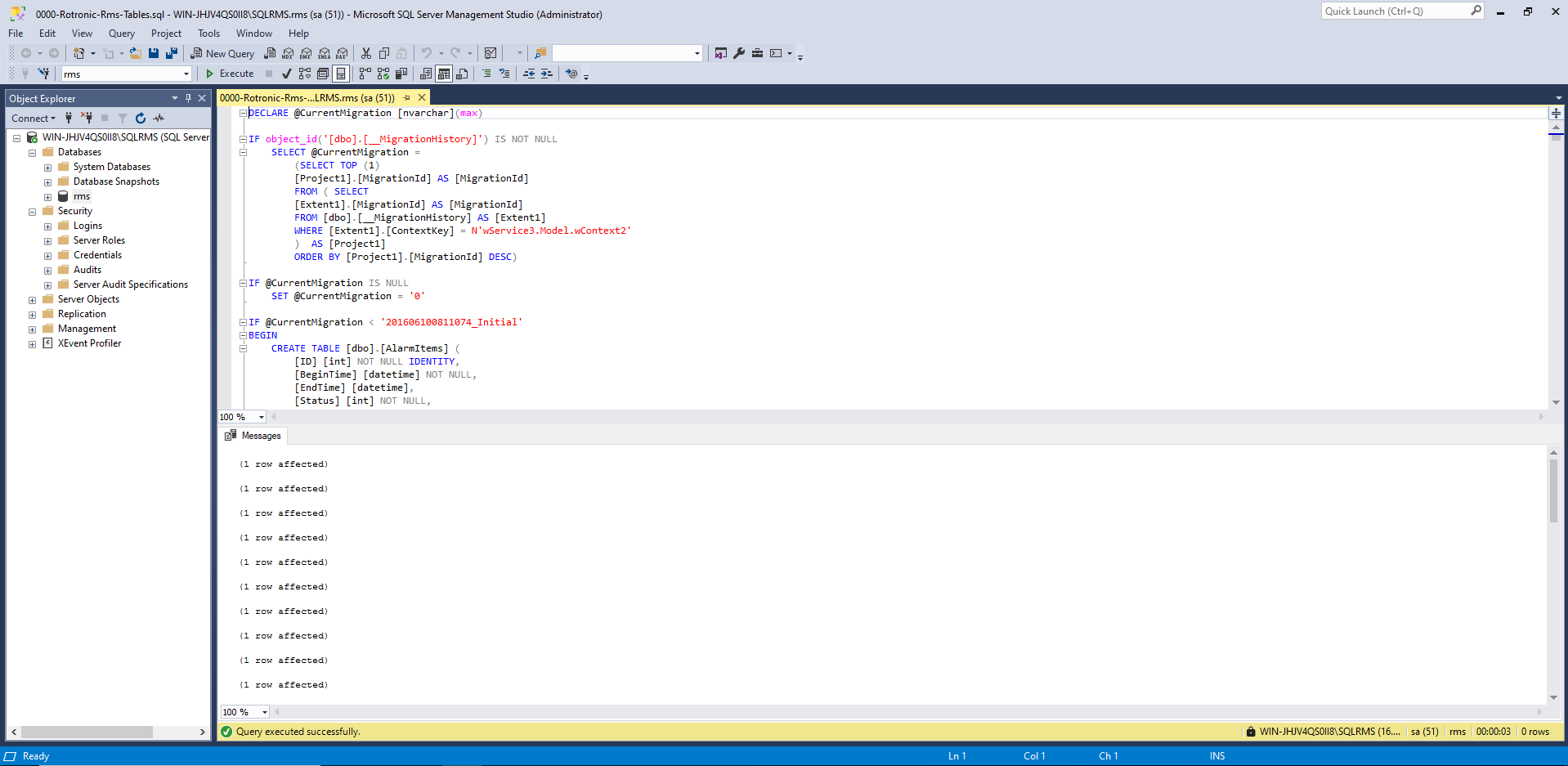
Click on "Execute" to generate the tables. The RMS database tables are now created. Close the window.
|
Step 5 |
Option 1: Installation of the RMS Software V2.9.1 Using Mixed Authentication Mode
Option 2: Installation of the RMS Software V2.9.1 Using Windows Authentication Mode
Option 3: Installation of the RMS Software V2.9.1 not on C: with Mixed Authentication Mode
Option 4: Installation of the RMS Software V2.9.1 not on C: with Windows Authentication Mode |
Created: 16.07.2026