General |
RMS-Config can be used to update or downgrade the device firmware. The necessary firmware files can be downloaded at https://www.processsensing.com/en-us/
|
|
FW Update |
Once a device is connected, under the info tab, click on firmware update: 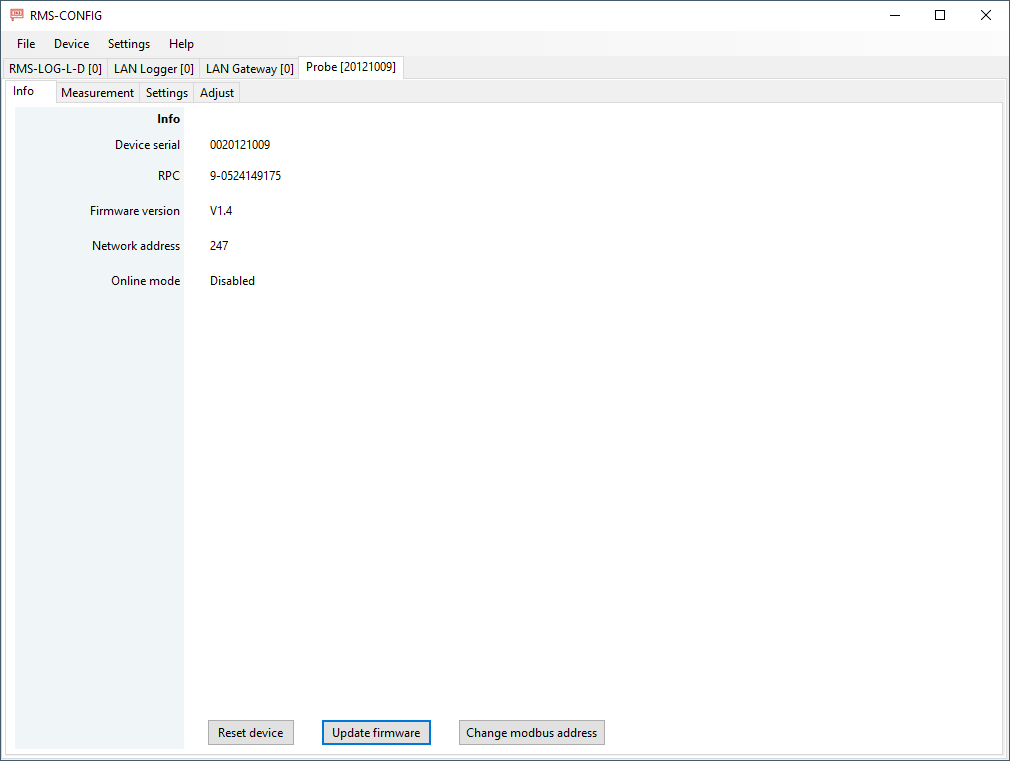 |
|
Choose the FW file |
A explorer window will open, select the firmware and click on open: 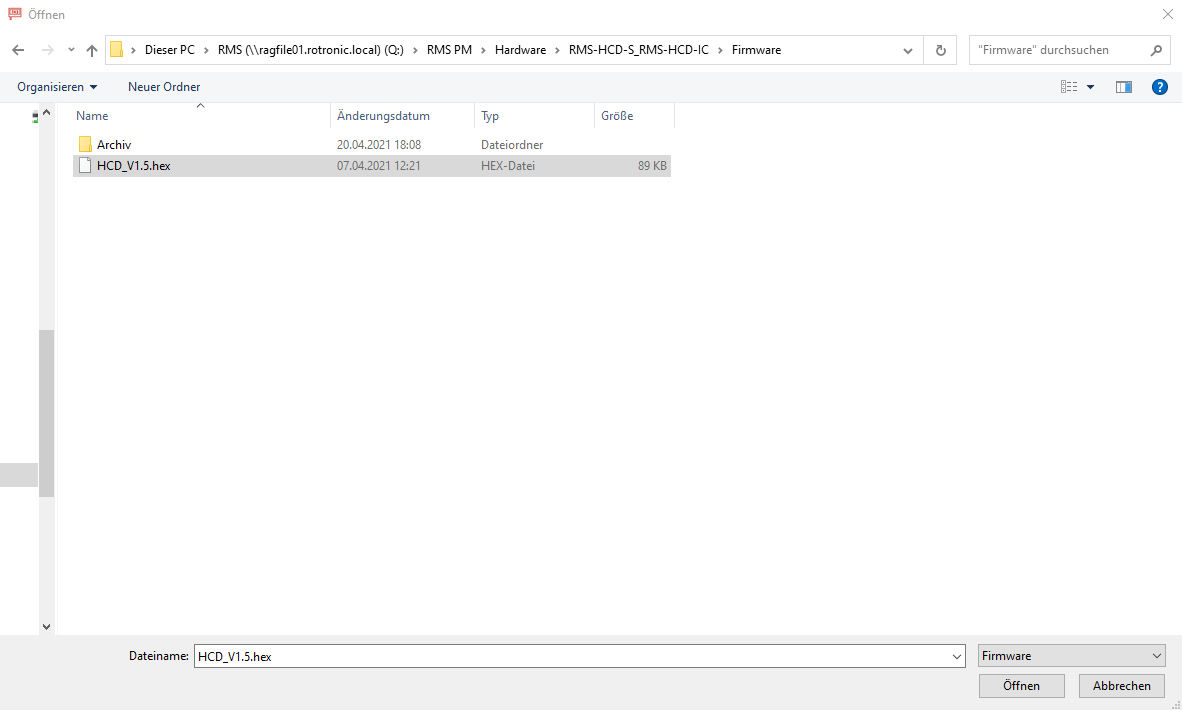 |
|
Update process |
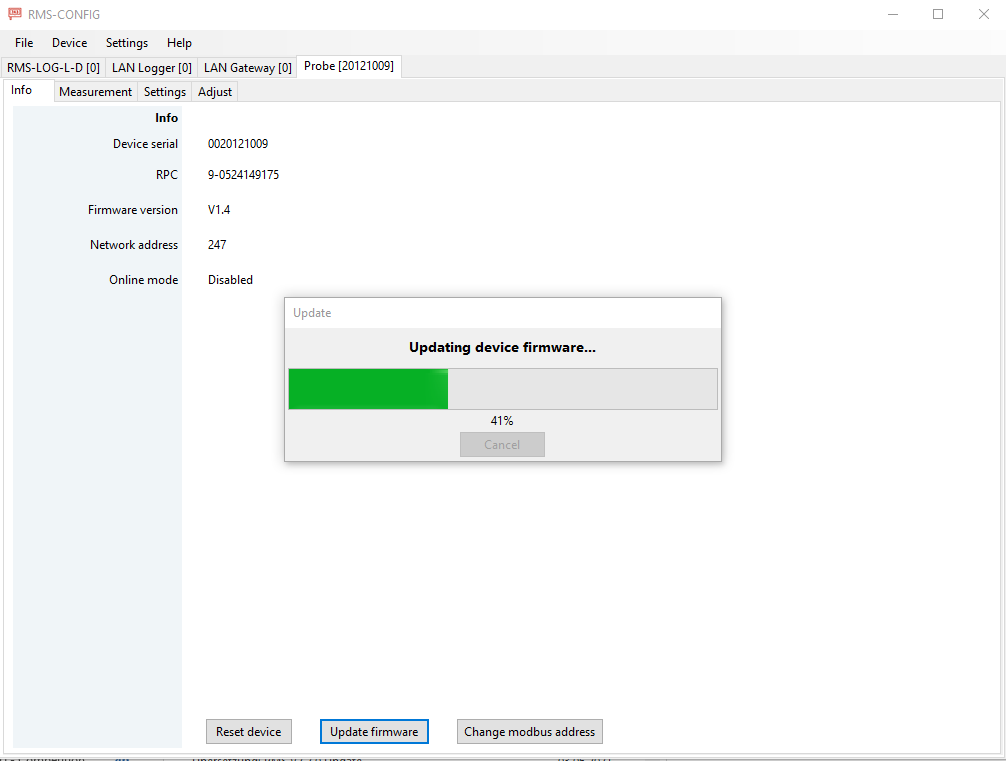
The firmware update will run:
|
|
Trouble Shooting |
If the update fails, this is usually a problem with the PC. In other words, a packet is lost in communication. However, the sensors are not defective. The update can be carried out again because the sensor is still in the bootloader mode. If the RMS-Config is still communicating with the port to which the sensor is connected, the update can be started again. 1. Wait briefly after the error message. Then carry out the update again. This even if the sensor does not communicate with the software. 2. (If the sensor is to be reanimated later) Add a functioning sensor in the RMS-Config. Unplug the sensor from the cable without deleting it from the RMS-Config (leave the cable connected to the USB port). Connect the "dead" sensor and start the firmware update |
Update: 22.12.2025